Here’s how to clean your HDTV screen. Its not as easy as grabbing the good old windex. Most HDTV’s have a special coating that can be ruined if cleaned with strong cleaners.
Following is some examples from the major manufactures on how to clean your new HDTV. You may want to double check your tv’s owners manual just to be sure as it may be different from the following:
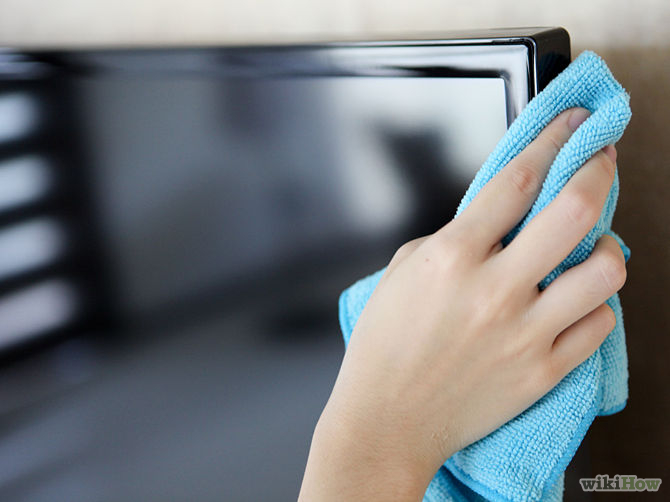 Panasonic: The front of the display panel has been specially treated. Wipe the panel surface gently using only a cleaning cloth or a soft, lint-free cloth. If the surface is particularly dirty, after cleaning up the dust, soak a soft, lint-free cloth in diluted, mild liquid dish soap (1 part mild liquid dish soap diluted by 100 times the amount of water), and then wring the cloth to remove excess liquid. Use the cloth to wipe the surface of the display panel, then wipe it evenly with a dry cloth of the same type until the surface is dry. Do not scratch or hit the surface of the display panel with fingernails or other chard objects. Furthermore, avoid contact with volatile substances such as insect sprays, solvents, and thinner; otherwise, the quality of the surface may be adversely affected.
 LG: Clean only with a dry cloth. When cleaning, unplug the power cord and wipe gently with a soft cloth to prevent scratching. Do not spray water or other liquids directly on the TV as electric shock may occur. Do not clean with chemicals such as alcohol, thinners, or benzine.
Samsung: The exterior and screen of the product can get scratched during cleaning. Be sure to wipe the exterior and screen carefully using the cloth provided or a soft cloth to prevent scratches. Do not spray water directly onto the product. Any liquid that goes into the product may cause a failure, fire, or electric shock. Clean the product with a soft cloth dampened with a small amount of water. Do not use a flammable liquid (e.g. benzene, thinners) or a cleaning agent.
Sony: Wipe the LCD screen gently with a soft cloth. Stubborn stains may be removed with a cloth slightly moistened with a solution of mild soap and warm water. If using a chemically pretreated cloth, please follow the instruction provided on the package. Never spray the water or detergent directly on the TV set. It may drip to the bottom of the screen or exterior parts and enter the TV set, and may cause damage to the TV set.
Toshiba: Clean only with a dry cloth. Gently wipe the display panel surface (the TV screen) using a dry, soft cloth (cotton, flannel, etc.). A hard cloth may damage the surface of the panel. Avoid contact with alcohol, thinner, benzene, acidic, or alkaline solvent cleaners, abrasive cleaners, or chemical cloths, which may damage the surface.
(source: cnet)
For any more information or advice call Peter from That TV Guy on 0401 202 087, send an email or visit the website.